Video Guides
Browse our available videos to help you with our systems and applications.
Browse our available videos to help you with our systems and applications.
How to sign membership waivers in your online student portal.

This video provides a tutorial for outdoor show makeup, which is described as being more brown in tone. The speaker emphasizes following specific colors for the eyes, cheeks, and lips. The video covers the order of application, starting with moisturizer and foundation, and then moving to eye makeup. For the eyes, the video details a three-color eyeshadow technique using a festival palette, brown liner, and a light color for the top of the eye. The speaker also provides instructions for different groups regarding false eyelashes versus mascara and black eyeliner. The final steps include applying bronzer under the cheekbone and finishing with maroon lip liner, maroon lipstick, and lip gloss.
In this video, Luke walks you through the steps to change your payment method in the Studio Pro portal. First, you'll need to log in using your email and password, then navigate to the menu icon in the top right corner and select "pay." From there, you can add a payment method, whether it's a credit card, debit card, or U.S. bank account. Please note that using a U.S. bank account incurs a 1% transaction fee, while credit card payments have a 3% fee. It will also request that you verify your bank account with two small deposits if you choose to add it manually.
PORTAL LINK: https://app.gostudiopro.com/online/hokulea

In this video, Auntie Ale will be sharing with you how to wear a Pa’u and how to culturally respect it.
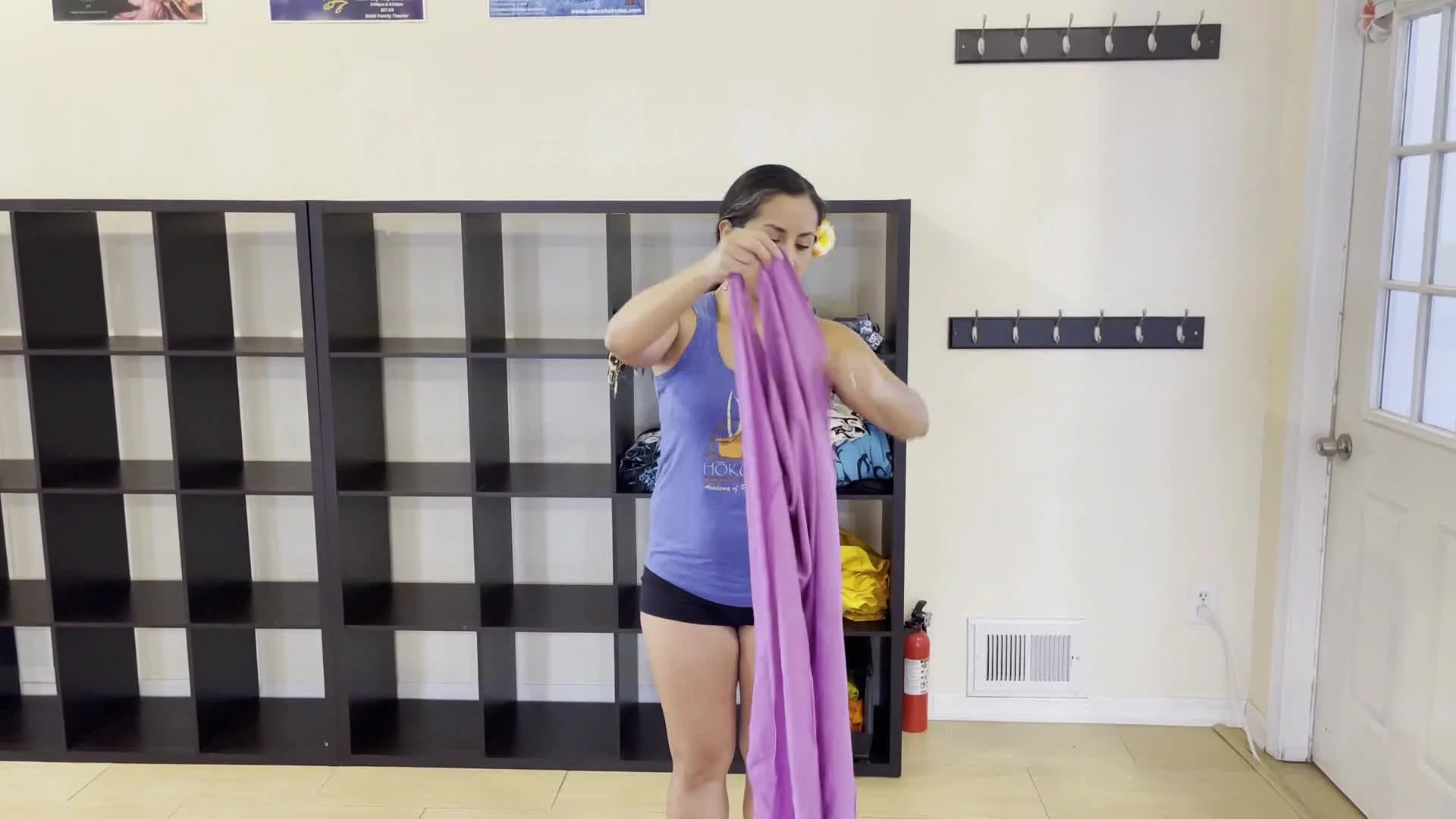
In this video, Auntie Ale will be sharing with you how to tie a pareu. Note that there are different size pareus (half and full), so be aware about the differences that come with tthem!
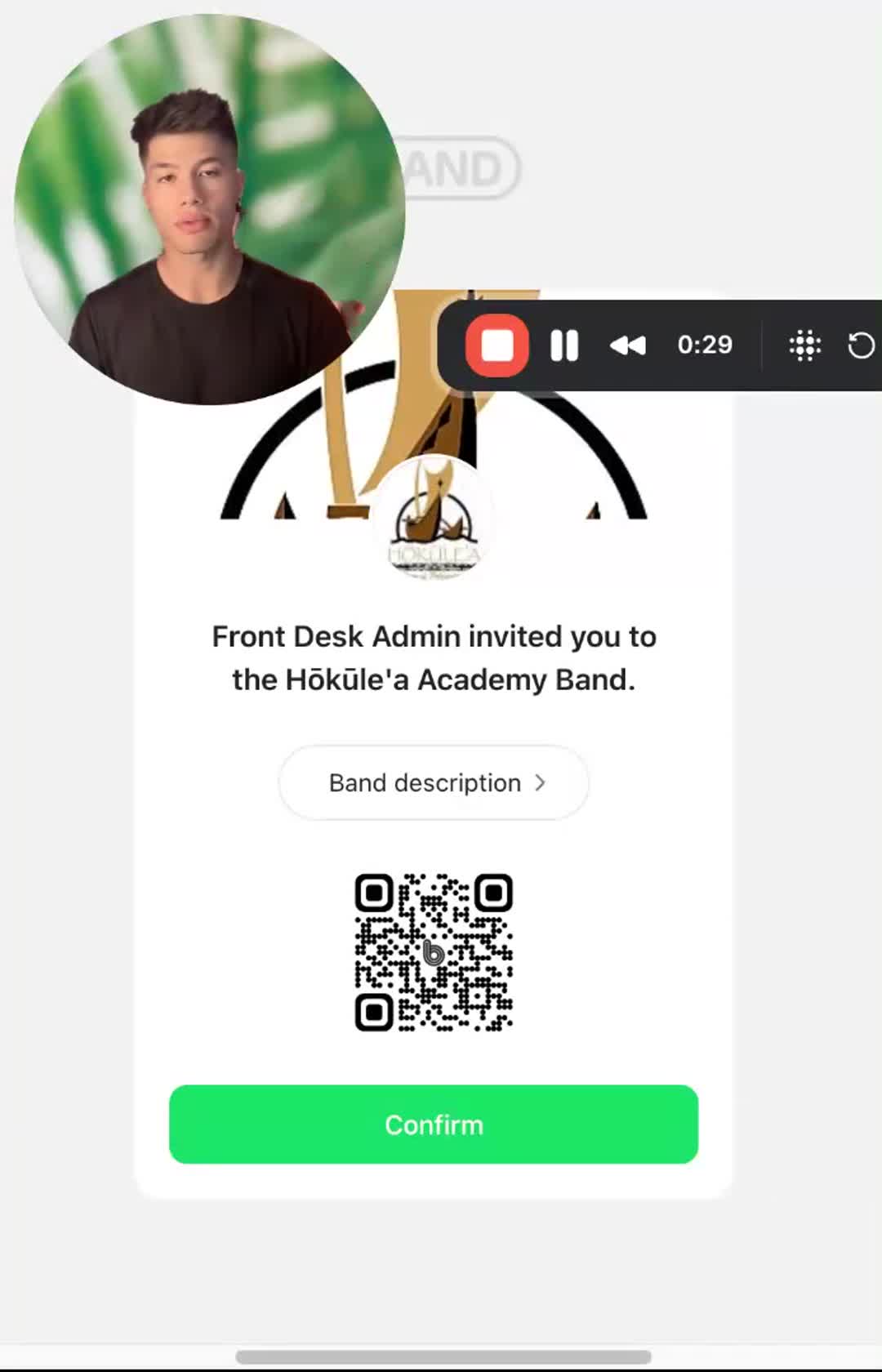
In this video, I walk you through the process of joining the Hokulea Band. To get started, you'll need an invite link, which you can find in the description below or at the front desk of the studio. Once you have the link, download the Band app, sign up using your mobile phone, and provide your details, including your child's name if you're a parent. After confirming your phone number, you'll receive an invitation from the Academy, which you need to accept to join. Please make sure to follow these steps carefully to successfully become a member of the band.
Invite Link: https://band.us/n/afa9Ads0Q783U
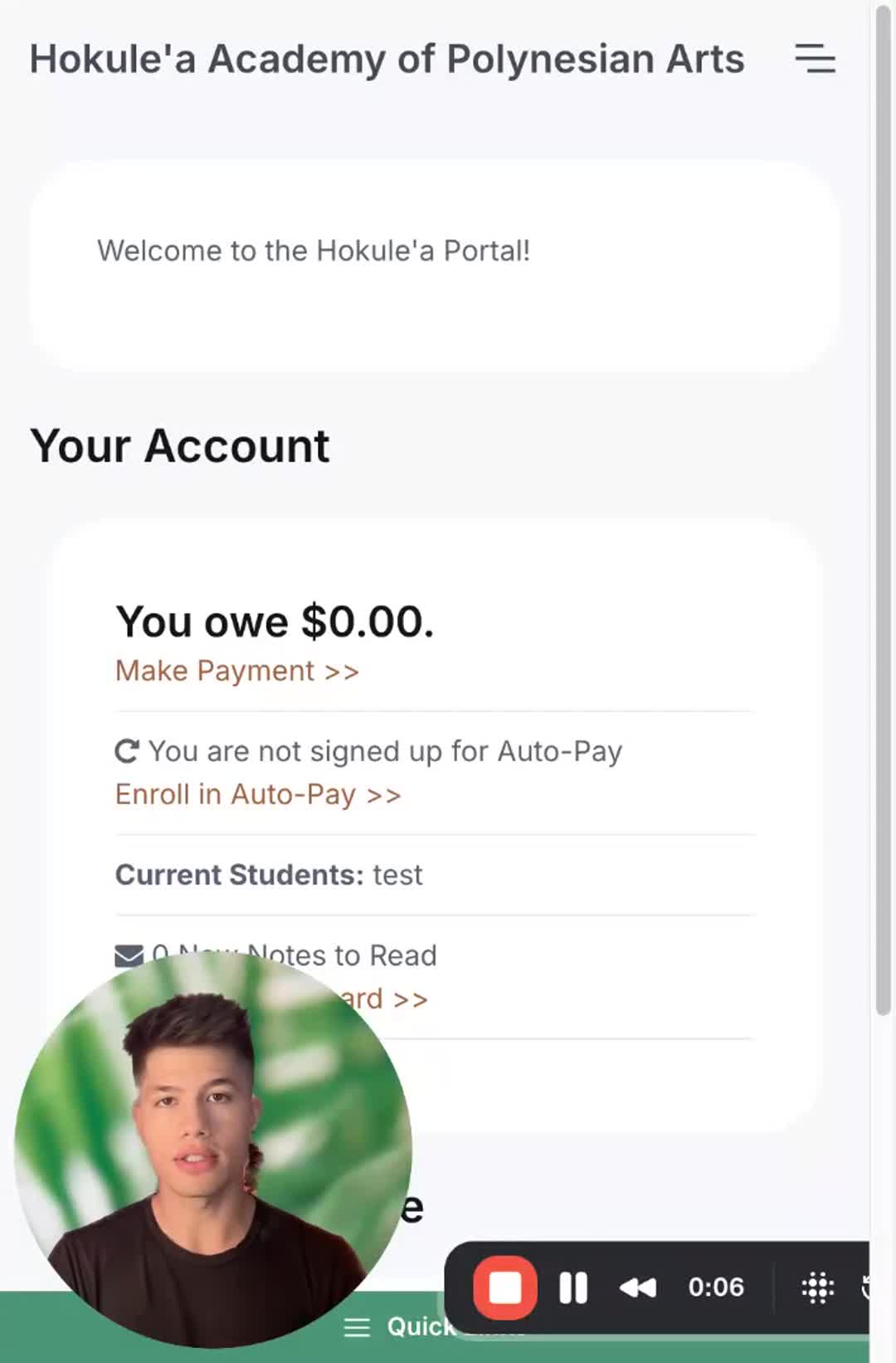
In this video, Luke walks you through the process of registering for classes through our student portal. After logging in, you’ll select your desired classes based on your eligibility and experience level. It's important to set up your payment method, either by credit/debit card or bank account, to complete your registration. Once you’ve added your payment information, make sure to finish your registration by reviewing our waivers and policies and signing off. Please follow these steps carefully to ensure your enrollment is successful!