How To Add Your Payment Method
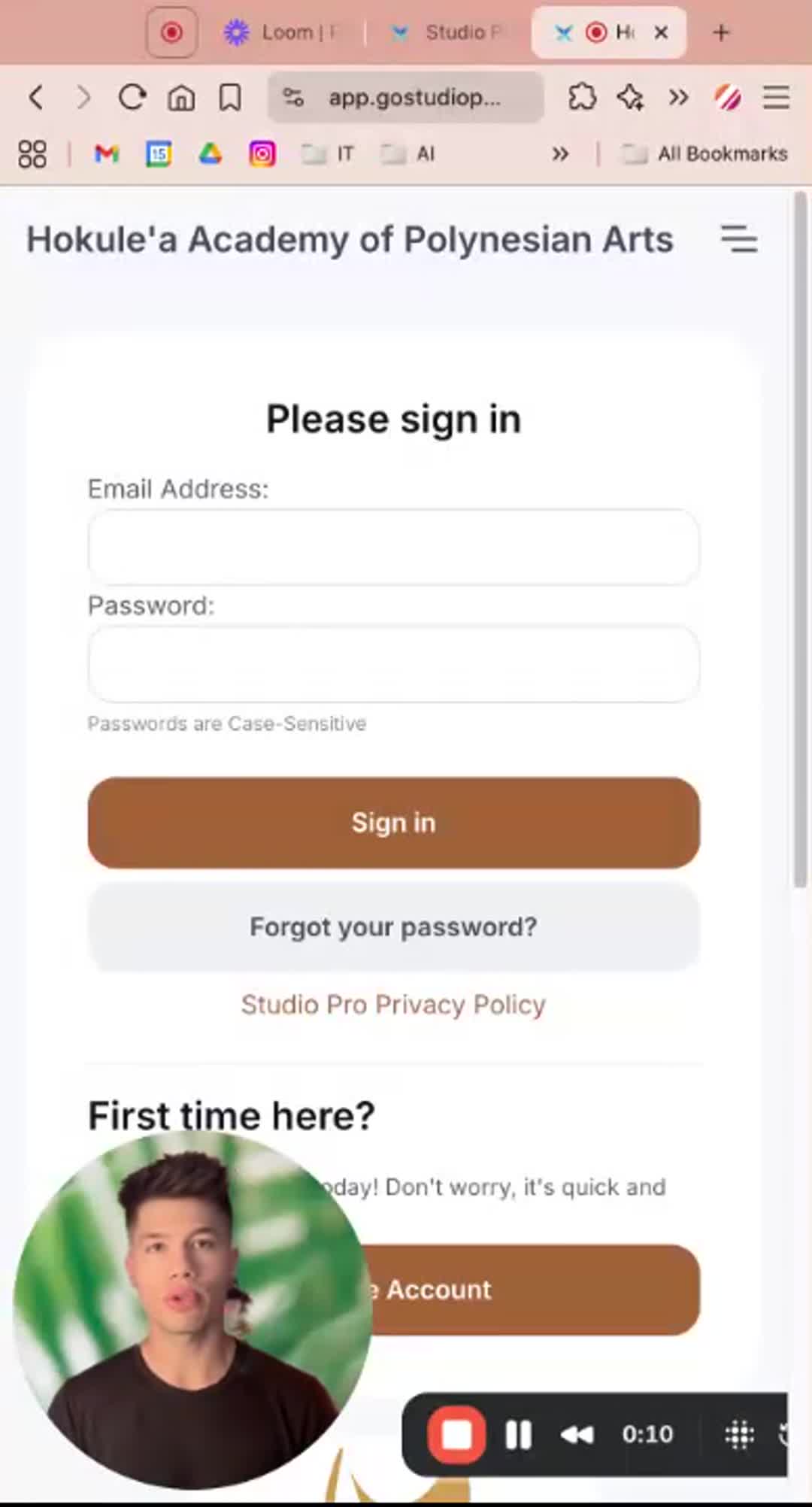
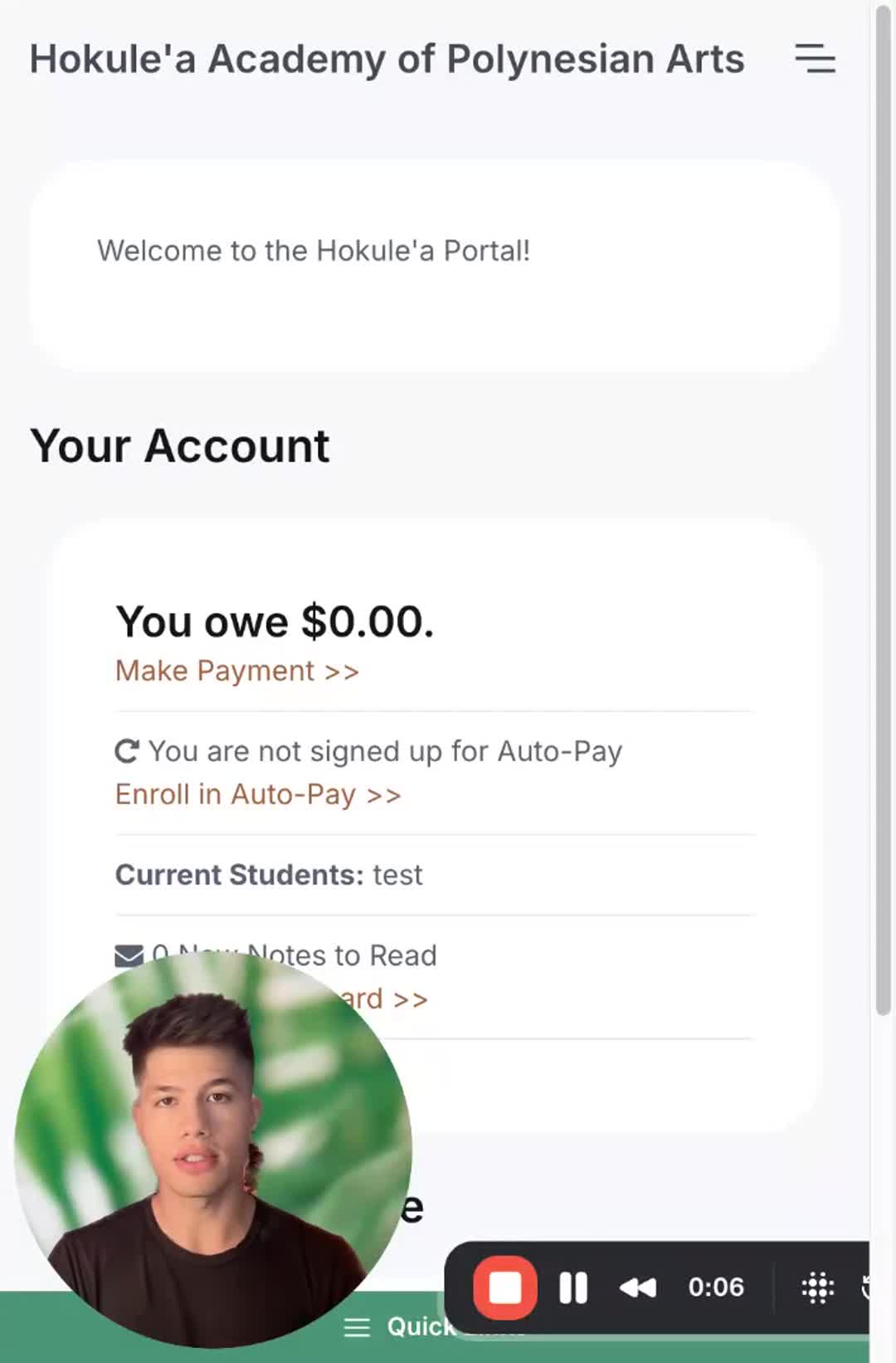
In this video, Luke walks you through the steps to change your payment method in the Studio Pro portal. First, you'll need to log in using your email and password, then navigate to the menu icon in the top right corner and select "pay." From there, you can add a payment method, whether it's a credit card, debit card, or U.S. bank account. Please note that using a U.S. bank account incurs a 1% transaction fee, while credit card payments have a 3% fee. It will also request that you verify your bank account with two small deposits if you choose to add it manually.
PORTAL LINK: https://app.gostudiopro.com/online/hokulea
Previous
How To Apply Christmas Show Makeup
Next