How to sign waivers online in your Student Portal
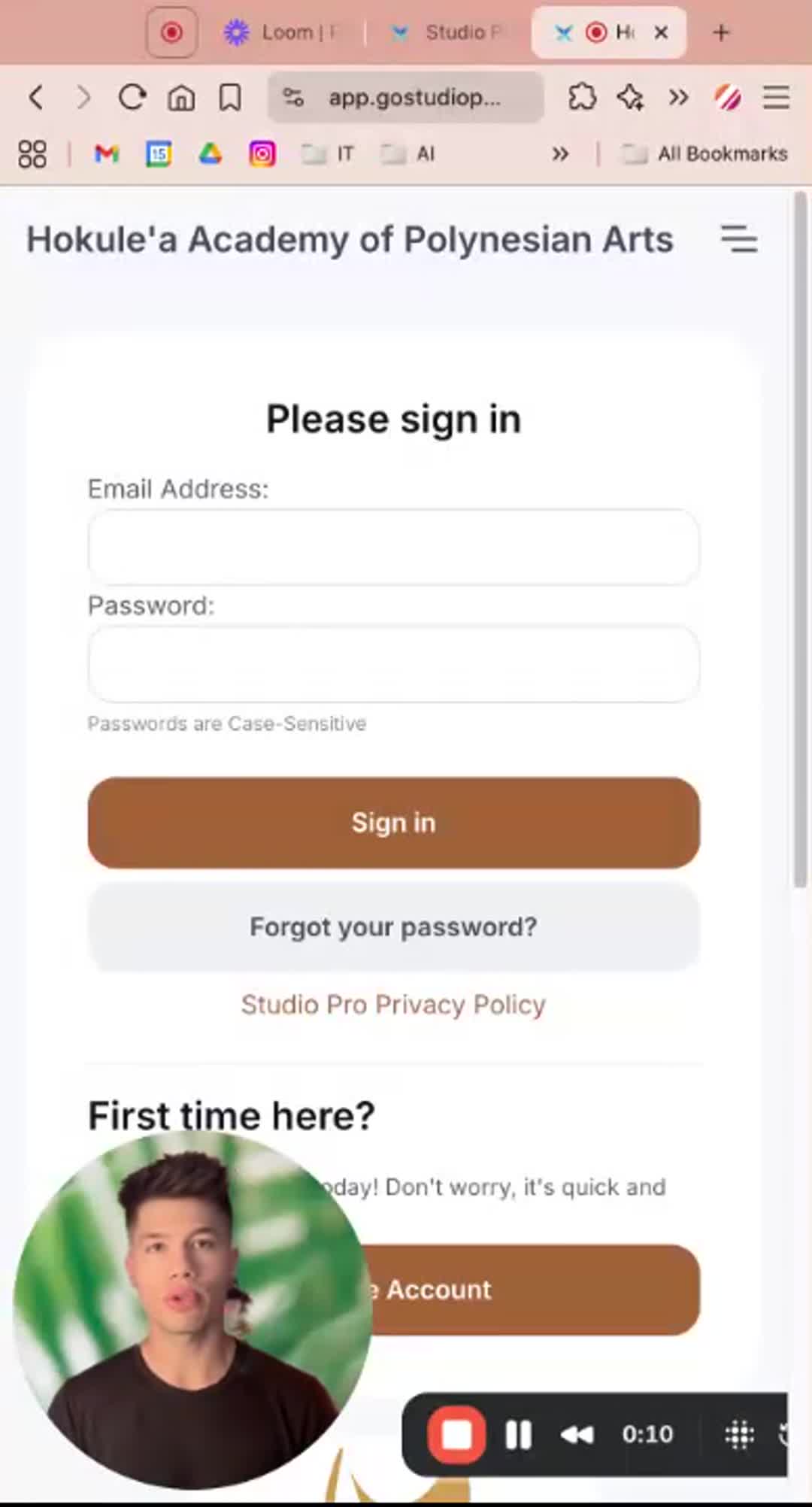
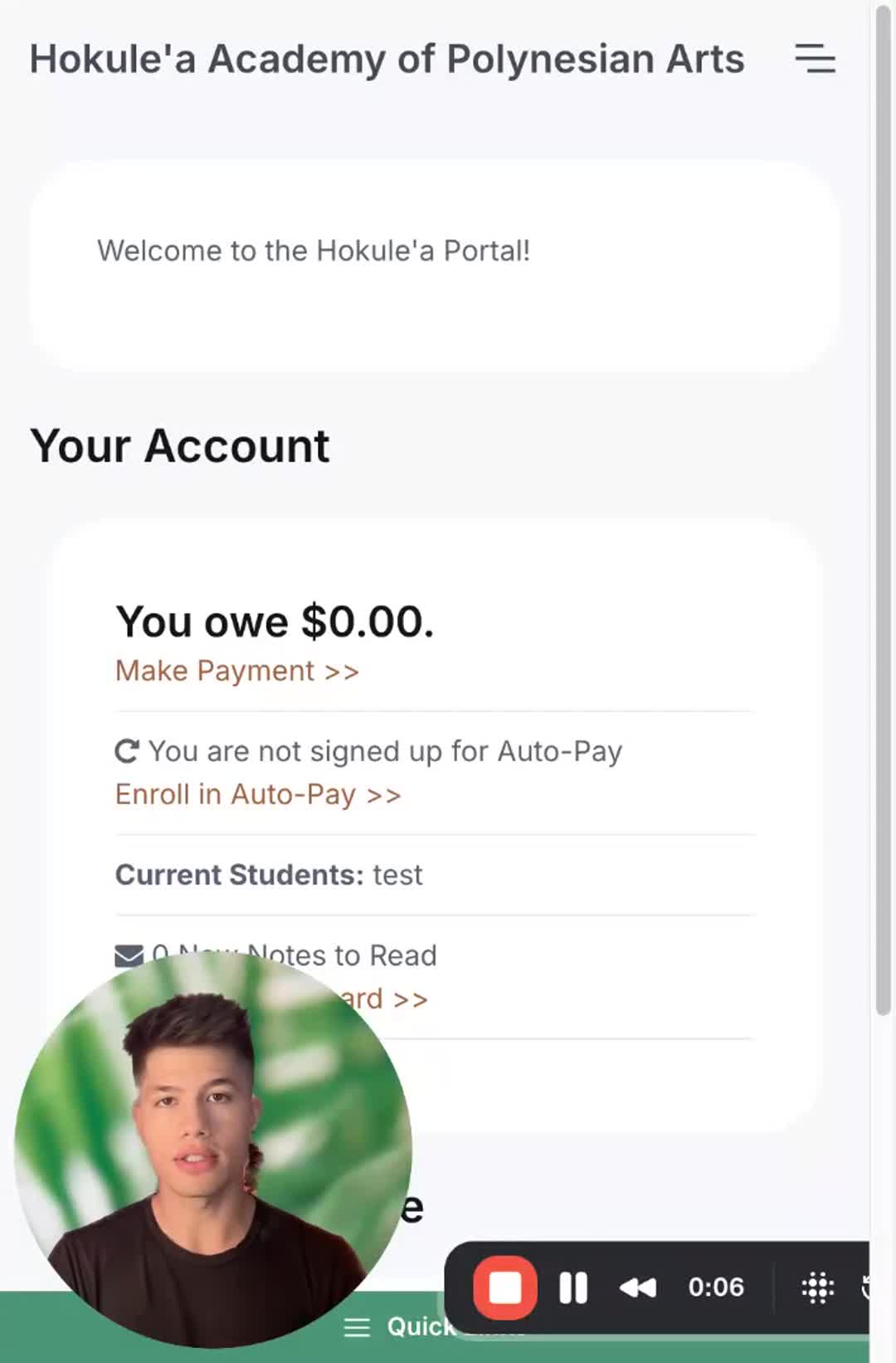
In this video, I guide you through the process of signing waivers in your online Studio Pro portal. You'll need to log in to your account, navigate to the Waivers section, and ensure that you read and accept each waiver thoroughly. After signing, you'll see a timestamp indicating when each waiver was accepted. It's crucial that you complete this for every applicable waiver to stay compliant. Please make sure to check optional forms regarding photo usage and marketing emails as well.
Portal Link: https://app.gostudiopro.com/online/hokulea
Next