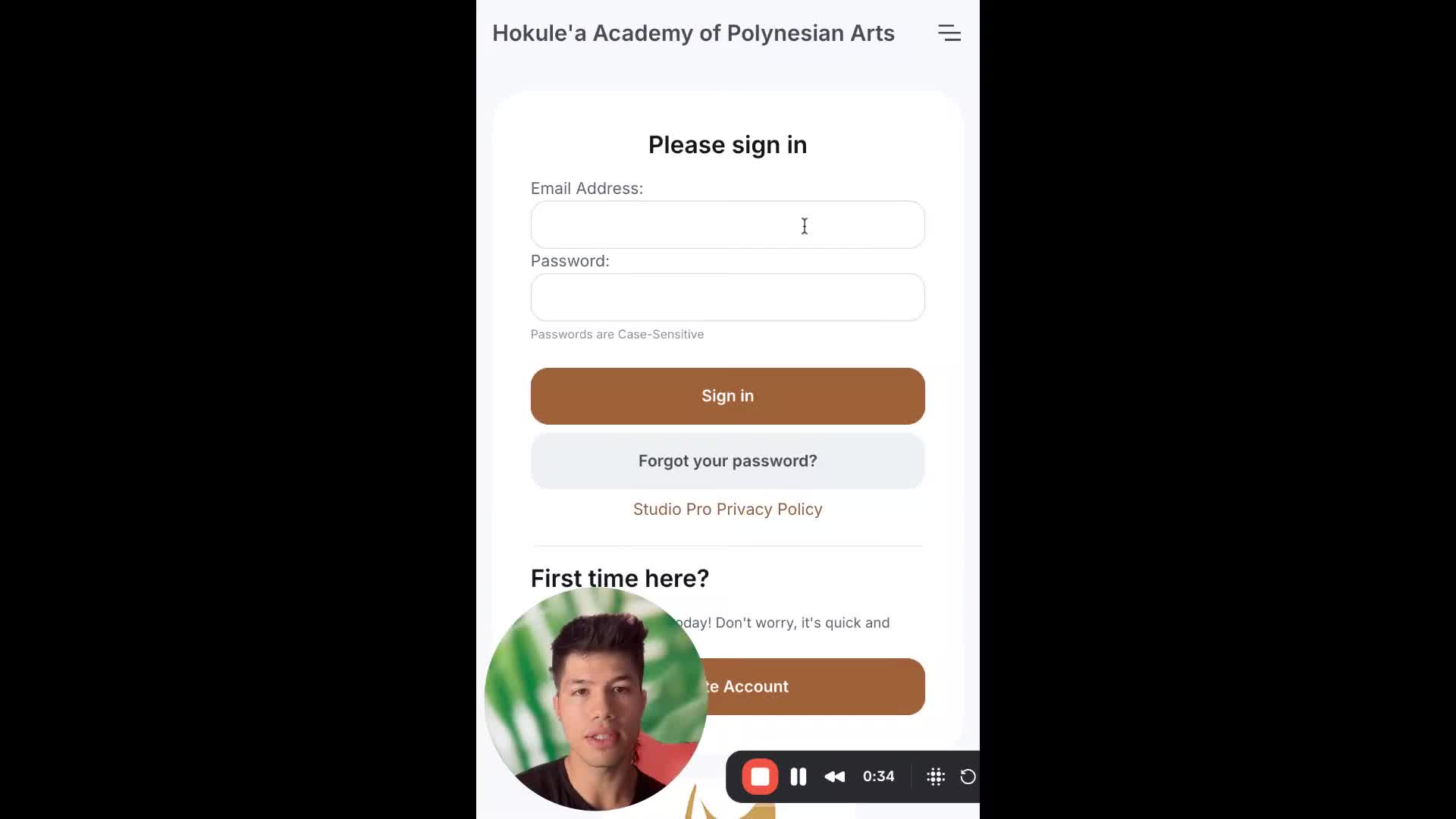
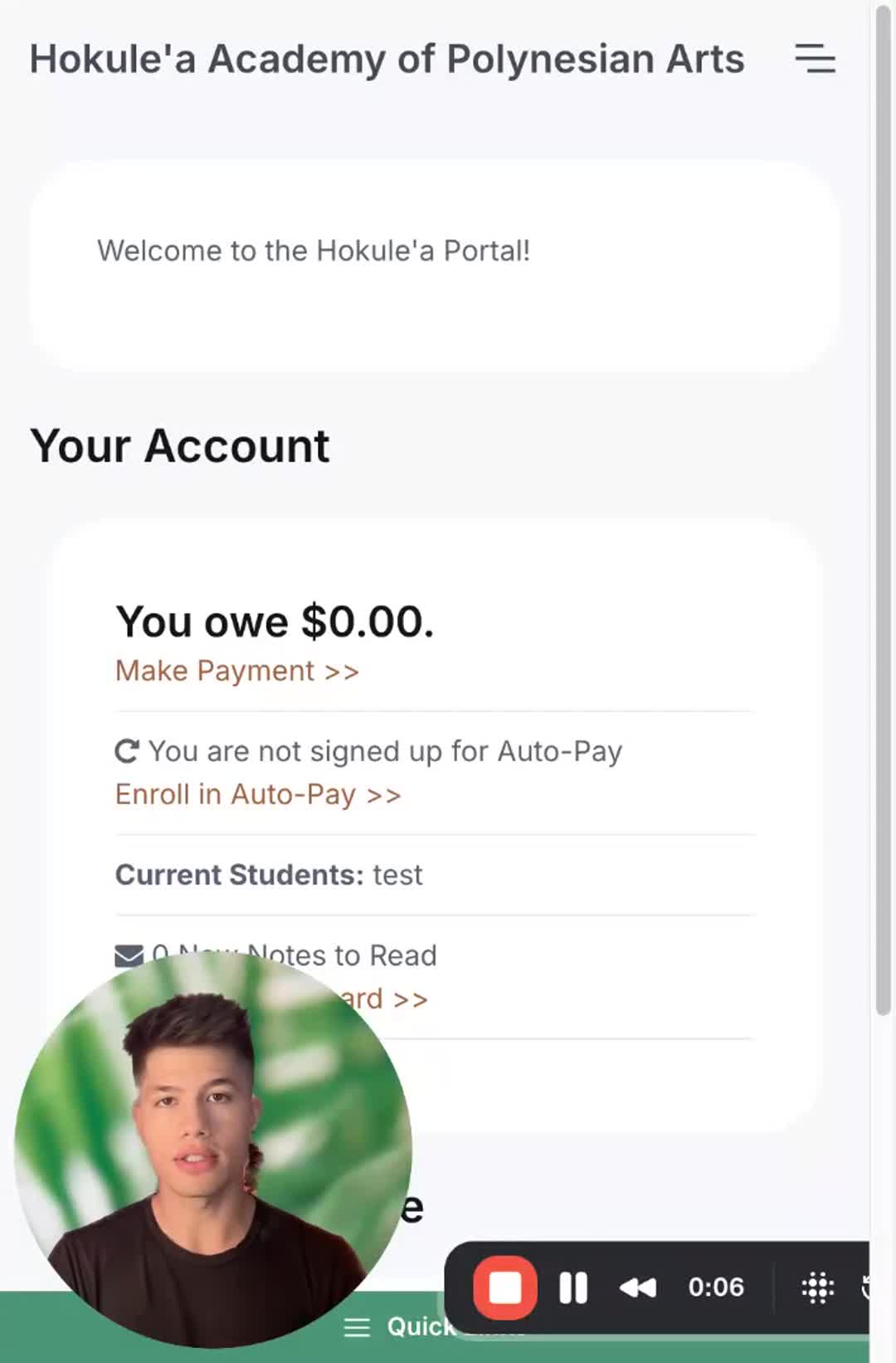
How to create an account on Studio Pro
In this video, I guide you through the process of creating an account on Studio Pro via the Hokulea Academy portal. You'll need to provide your email, password, and personal information, including your full address. If you're an adult taking classes, make sure to select "I take classes," while parents enrolling children should choose "add a student." Please remember to agree to the terms and opt in for SMS notifications before finalizing your account. I encourage you to follow these steps carefully to ensure a smooth registration experience.
Link to Studio Pro Portal: https://app.gostudiopro.com/online/hokulea
Previous