Video Guides
Browse our available videos to help you with our systems and applications.
Browse our available videos to help you with our systems and applications.
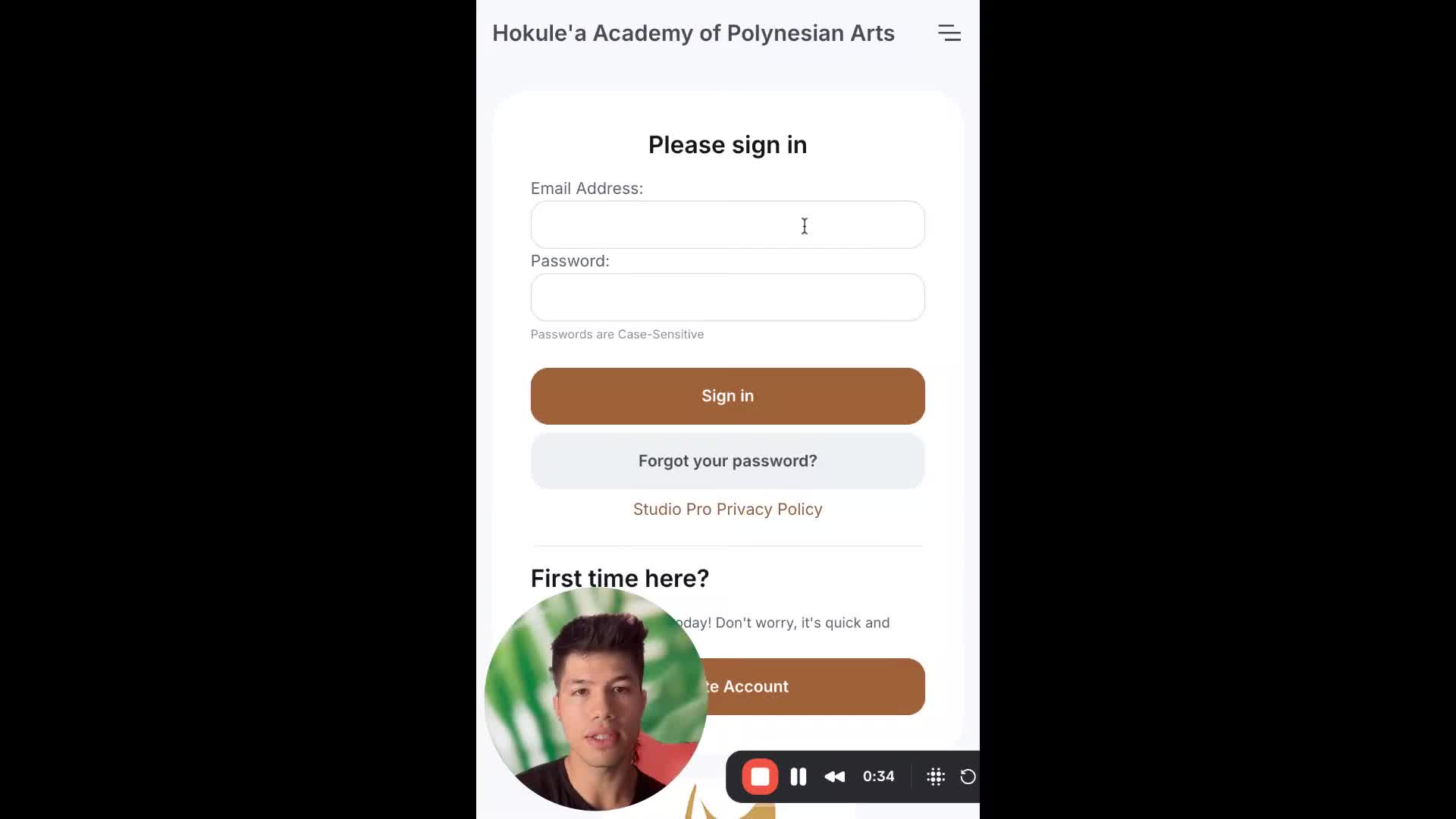
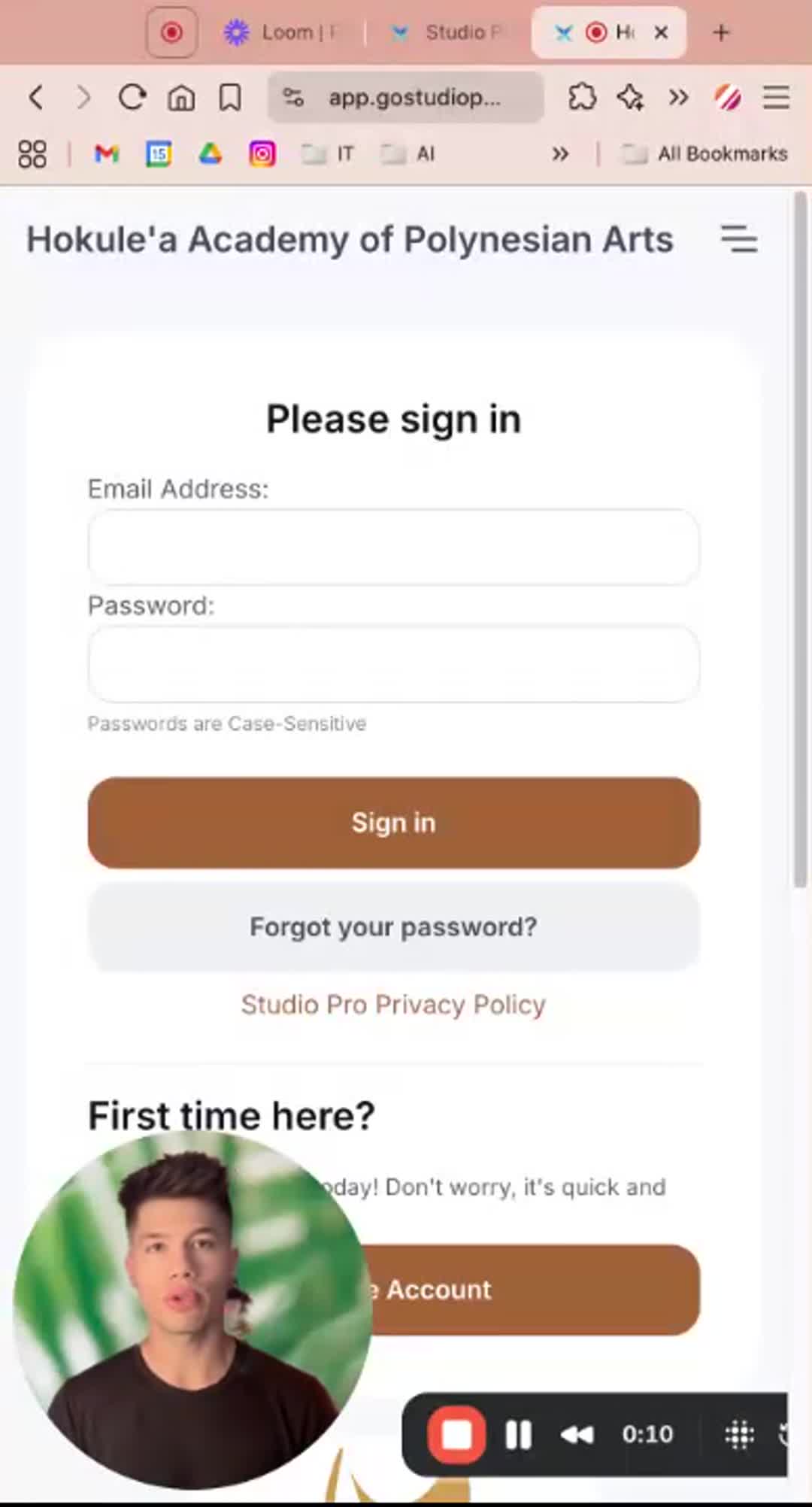
In this video, Luke walks you through the steps to change your payment method in the Studio Pro portal. First, you'll need to log in using your email and password, then navigate to the menu icon in the top right corner and select "pay." From there, you can add a payment method, whether it's a credit card, debit card, or U.S. bank account. Please note that using a U.S. bank account incurs a 1% transaction fee, while credit card payments have a 3% fee. It will also request that you verify your bank account with two small deposits if you choose to add it manually.
PORTAL LINK: https://app.gostudiopro.com/online/hokulea
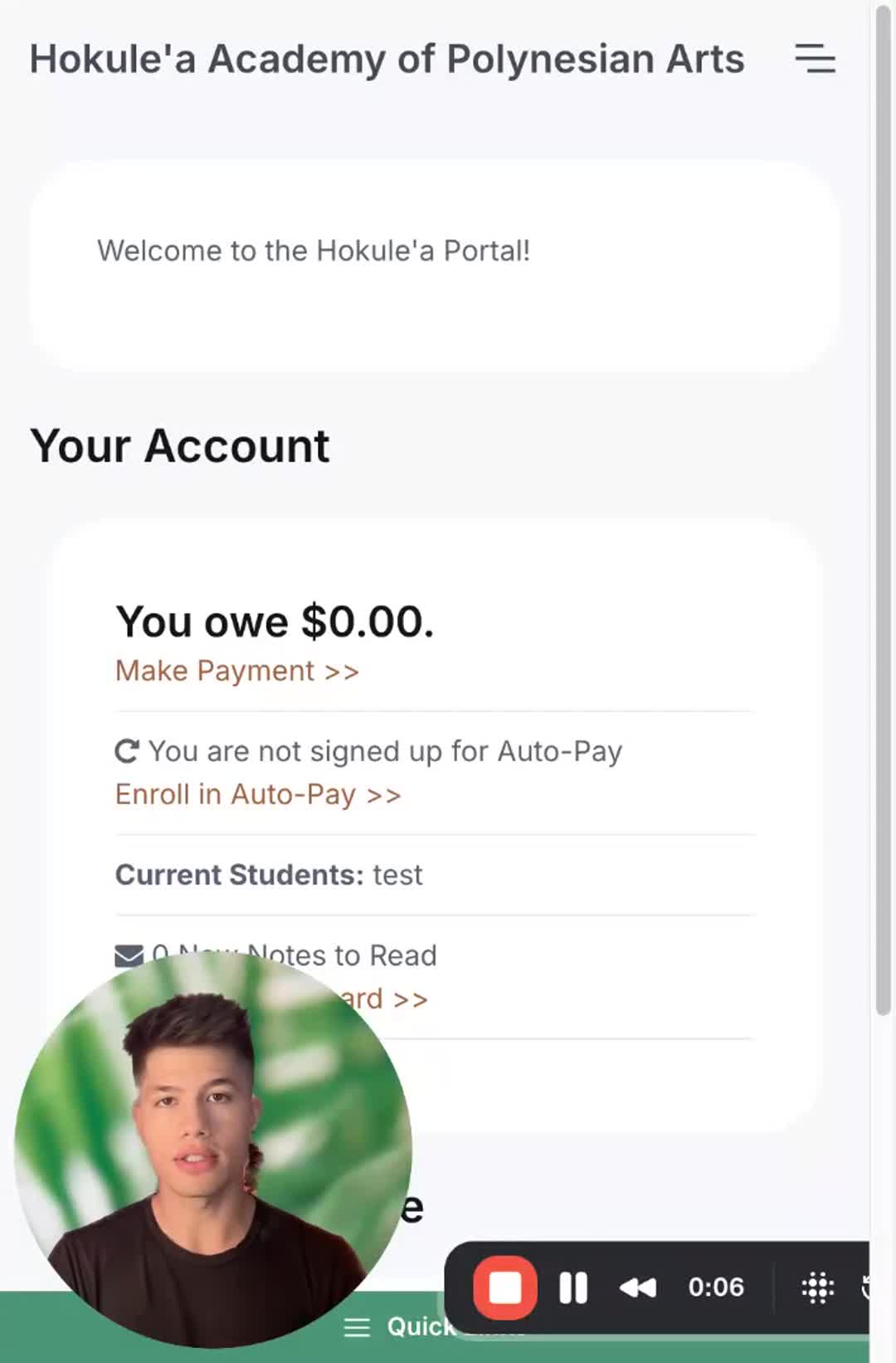
In this video, Luke walks you through the process of registering for classes through our student portal. After logging in, you’ll select your desired classes based on your eligibility and experience level. It's important to set up your payment method, either by credit/debit card or bank account, to complete your registration. Once you’ve added your payment information, make sure to finish your registration by reviewing our waivers and policies and signing off. Please follow these steps carefully to ensure your enrollment is successful!